
You type "model walking through a Jaipur bazaar in a mirror-work lehenga, golden hour" into a box, hit generate, and thirty seconds later there's a video. That's the promise every AI video generator is selling right now. What actually happens between your prompt and that clip — and why the video sometimes has six fingers or a dupatta that changes color mid-frame — is worth understanding before you pick a tool for your brand's Reels.
If you run an Instagram-first fashion label, you've probably seen three different things get called "AI video generator" in the same breath: a tool that builds a scene from a text prompt, a tool that animates a photo you already have, and a tool that makes a talking avatar read a script. They are not interchangeable, they're not built the same way, and the one that fits your actual workflow — you already have product shoots, you need them moving on Reels — is usually not the flashiest one.
What an AI video generator actually does under the hood
Most AI video generators today, whether they start from text or an image, run on diffusion models. The idea sounds backwards at first: the model is trained by taking a real video, adding random noise to it frame by frame until it's pure static, and then learning to reverse that process — predict the noise, strip it away, and recover something close to the original (Opus Clip, on video diffusion). Do that on millions of video clips and the model learns what "clean" motion looks like well enough to generate new motion from scratch.
Video adds a problem that image generators never had to solve: time. Early text-to-video systems generated frames one at a time, and the results flickered — a saree's border would shift pattern between frame 40 and frame 41, a face would subtly reshape itself. Modern video diffusion models generate blocks of frames together and learn temporal consistency directly, which is why 2025-26 output looks dramatically steadier than what came out even two years earlier (Opus Clip).
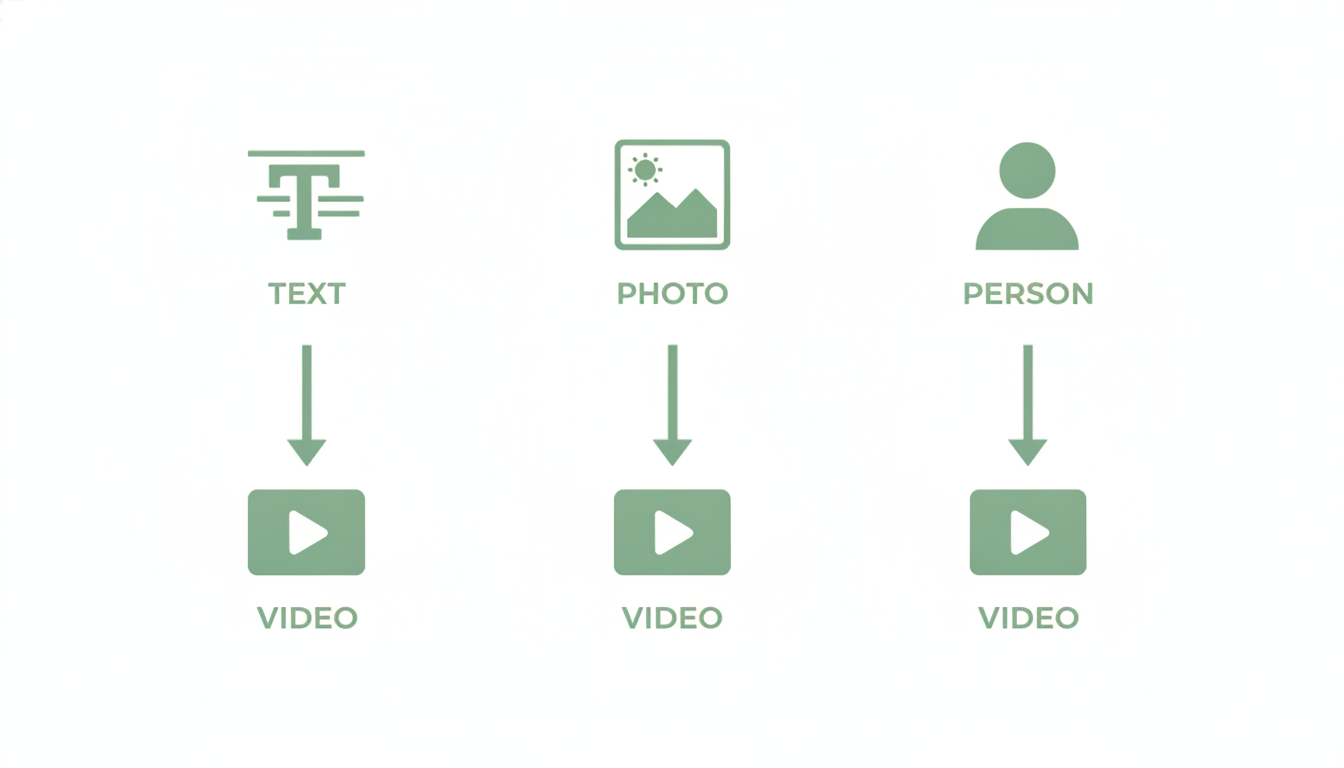
That single underlying technique — diffusion — now gets applied in three distinct ways, and the difference matters a lot for a fashion brand deciding what to actually use.
Text-to-video: building a scene from words alone
This is the category most people picture when they hear "AI video generator." You write a prompt, the model imagines the entire scene — lighting, camera movement, subject, background — and renders it from nothing. Tools like Google's Veo, Kling AI, and Runway's Gen 4 fall here, built to simulate physics and camera motion well enough to pass as filmed footage (Kling AI, 2026 comparison). Notably, OpenAI wound down Sora through 2026, with its API shutting off in September, citing the compute cost of running it at scale (AIUnpacking) — a reminder that pure text-to-video is still an expensive, fast-moving frontier, not a settled category.
The catch for a product brand: text-to-video generates an imagined model wearing an imagined version of your product. It doesn't know what your actual kurta set or your actual model's face looks like unless you feed it a reference image too — and even then, matching your exact SKU's print or embroidery reliably is still hit-or-miss. Reviewers of 2026's leading models describe them as working "primarily as cameras rather than directors" — strong at a single striking shot, weaker at stitching together a coherent, on-brand sequence without heavy manual editing (AIUnpacking).
Image-to-video: animating a photo you already have
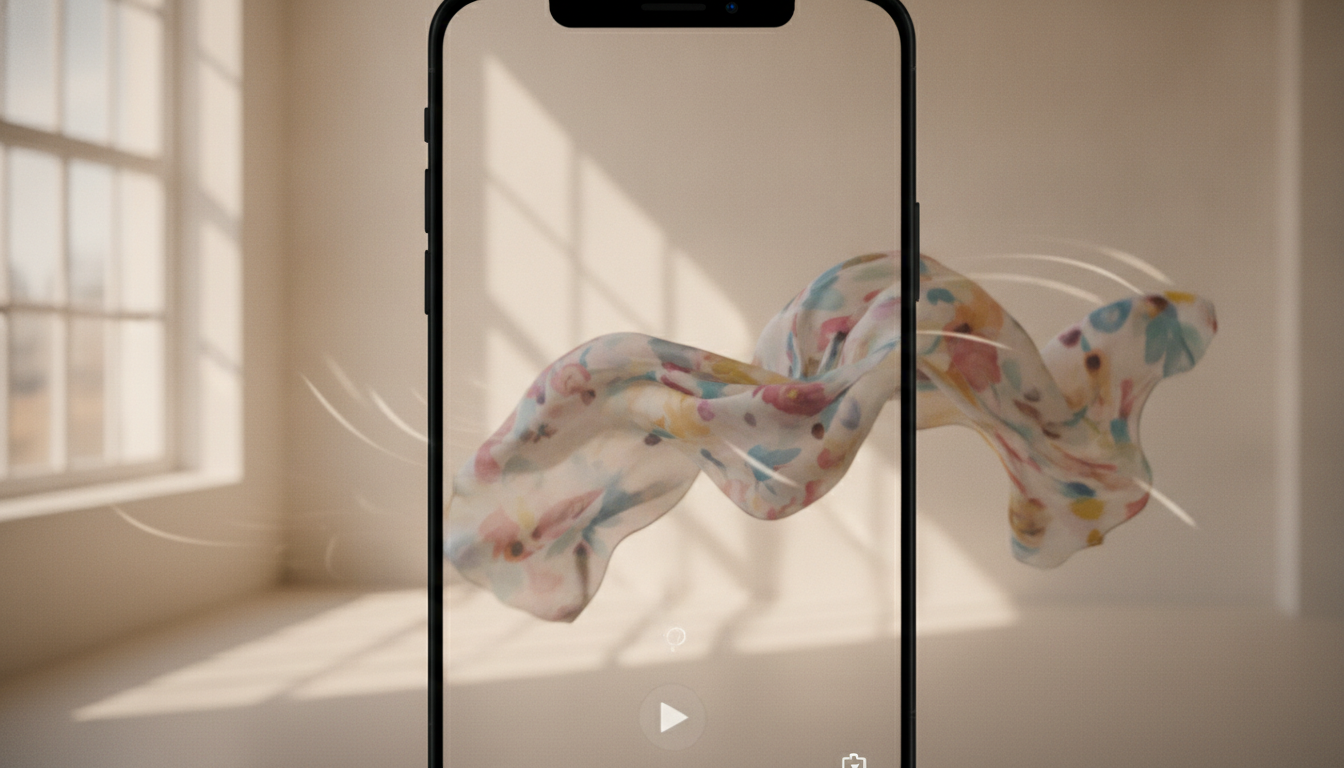
This is a different starting point entirely. Instead of generating a scene from words, image-to-video models take a real photograph — say, a product shot or a model photo you already paid for — and predict plausible motion for what's already there: fabric catching movement, hair shifting, a slow push-in on the frame. The model still uses diffusion under the hood, but it's anchored to your actual pixels instead of imagining them from a prompt (Media.io, on image-to-video methodology).
Platforms like Pixlr (built on Veo, Seedance, and Kling), Vidu, and Canva's image-to-video tool work this way: you upload a photo, sometimes add a short motion prompt like "camera slowly zooming in" or "fabric moving in the wind," and the model animates around your existing image rather than replacing it (Pixlr, Vidu AI). This is the category that matters most if your brand already runs product photoshoots — you're not starting from zero, you're extending an asset you already own.
This is also the specific mechanic Scalio's Reel-maker uses — it's worth being precise here because "AI video generator" gets used loosely. Scalio doesn't generate an imagined scene from a text prompt. It takes a product or model-wearing photo you already have and turns it into Reel-ready motion. If you've already shot the photo — on a model, on a mannequin, even a clean flat-lay — that photo becomes the seed, not a description of what you hope the AI imagines. For more on how this specific approach differs from full generation, see /image-to-video-ai.
Avatar-based video: a digital presenter reading a script
The third category solves a different problem: talking-head content without a camera or a person on call. Tools like HeyGen and Synthesia map a face — eyes, jawline, micro-expressions — from a photo or short video clip, clone or synthesize a voice, and then lip-sync generated speech to that face frame by frame (HeyGen, how AI avatars work). HeyGen's newer avatar models can build a usable digital presenter from as little as 15 seconds of source video (MindStudio).
This is genuinely useful for UGC-style ad scripts, testimonials, or explainer content where a person needs to talk directly to camera. It's not built for showing how a garment drapes or moves — that's not what the model is optimized for. If your goal is "make this saree look good in motion," an avatar generator is solving the wrong problem.
Both HeyGen and Synthesia are usually positioned for corporate training, e-learning, or explainer videos rather than fashion content specifically, and that shows in what they're good at: clean, consistent talking-head delivery, not garment movement or product styling (HeyGen vs Synthesia comparison). If a D2C brand wants a founder-style or creator-style video talking about a new drop, avatar tools fit. If the brand wants viewers to see how the kurta actually moves on a body, they don't.
Why the "best AI video generator" question doesn't have one answer
Searches for the best ai video generator or free ai video generator usually assume there's a single winner. There isn't, because these three approaches are built for different jobs:
- Text-to-video wins when you need a scene that doesn't exist yet and don't have a real photo or model to start from — concept ads, imagined environments, B-roll.
- Image-to-video wins when you already have real product or model photography and want it moving, matched to your actual SKU, without reshooting.
- Avatar video wins when you need someone talking to camera and don't have a presenter available.
For an Instagram-first fashion brand that already invests in photoshoots — even phone-shot ones — the image-to-video path is usually the faster and cheaper win, because you skip the part where the AI has to guess what your product looks like. You're not paying for imagination, you're paying for motion.
What this means for your next Reel
If you're comparing tools under the text to video ai umbrella, check which category each one actually falls into before judging it on video quality alone. A tool that's excellent at imagining cinematic scenes from scratch may be mediocre — or need heavy extra prompting — at faithfully animating your specific product. A tool built specifically for image-to-video will usually get your actual product on screen faster, because it isn't reinventing the product first.
Cost is the other filter. Full text-to-video generation at the quality level of Veo or Kling is compute-heavy, and pricing reflects that — it's part of why OpenAI cited unsustainable compute costs when winding Sora down in 2026 (AIUnpacking). If you already have the photos — which most D2C fashion brands running an Instagram catalogue do — the image-to-video route is both cheaper to run and more faithful to what you're actually selling.
Think about how a typical Surat or Jaipur apparel brand actually works today. The photoshoot already happened — a model in the outfit, shot against a plain backdrop or on location, maybe forty to sixty images from a single session. Those photos get used for the website and for static Instagram posts, and then they sit in a folder. Turning even a handful of those into moving Reels doesn't require re-imagining the shoot from text. It requires a tool that takes the photo as the starting point and adds motion around it — which is exactly what image-to-video does and text-to-video doesn't.
FAQ
Is a free AI video generator good enough for brand Reels? Free tiers usually cap resolution, add watermarks, or limit you to a handful of generations a month — fine for testing how a tool handles motion, not for a consistent posting schedule. For regular Reels output tied to an actual product catalogue, a paid plan built around your specific workflow (photo-to-motion, not scene generation) tends to be more reliable and cheaper per usable video than stitching together free trials.
What's the difference between text-to-video and image-to-video AI? Text-to-video builds an entire scene from a written prompt, imagining the subject, background, and motion. Image-to-video starts from a real photo you upload and predicts motion around what's already there. If matching your actual product matters, image-to-video keeps you closer to reality.
Can AI video generators animate product photos accurately? Image-to-video tools are specifically built for this — they anchor generation to your uploaded photo rather than imagining a product from text. Accuracy depends on photo quality and the specific model, but it's a meaningfully different (and more reliable) process than describing a product in words and hoping the AI renders it correctly.
Do I need filming equipment to use an AI video generator? No. Image-to-video tools need only a photo, not footage. Text-to-video tools need no source material at all, just a prompt. This is the main reason smaller brands without in-house video capability have started using these tools for Reels and ads.
Is AI video generation the same as an AI Reel maker? Not exactly. "AI video generator" is the broad category covering text-to-video, image-to-video, and avatar tools. An AI Reel maker is typically a product built on top of one of those approaches — usually image-to-video — optimized specifically for short vertical social formats. See /reel-maker for how that narrower tool works.
The short version: "AI video generator" covers three genuinely different technologies, and the right one depends on whether you're starting from nothing, from a photo, or from a script. If you're a fashion or D2C brand that already has product or model photos sitting in a folder, you don't need to solve the hardest version of this problem — full scene generation from text. You need your existing photos moving.
That's the specific thing Scalio does: turn a product or model-wearing photo you already have into a Reel-ready video, not generate a scene from scratch. Plans start at ₹999/month for 100 credits, against a typical ₹10K-50K/month agency retainer for the same kind of output. If you've got photos sitting idle, start at scalio.app — or go straight to /image-to-video-ai to see the image-to-video path in action.