

Here's a social media calendar template you can start using in the next five minutes, no sign-up, no download link that goes nowhere. Below is a full weekly structure with real columns, a filled-in example week for an Indian small business, and the content pillar rotation behind it, so you can copy the format straight into a Google Sheet or Notion table today.
If you run a boutique, salon, or small brand and you're tired of staring at Instagram at 11pm trying to think of a caption, this is built for exactly that Tuesday-night panic.
The Social Media Calendar Template
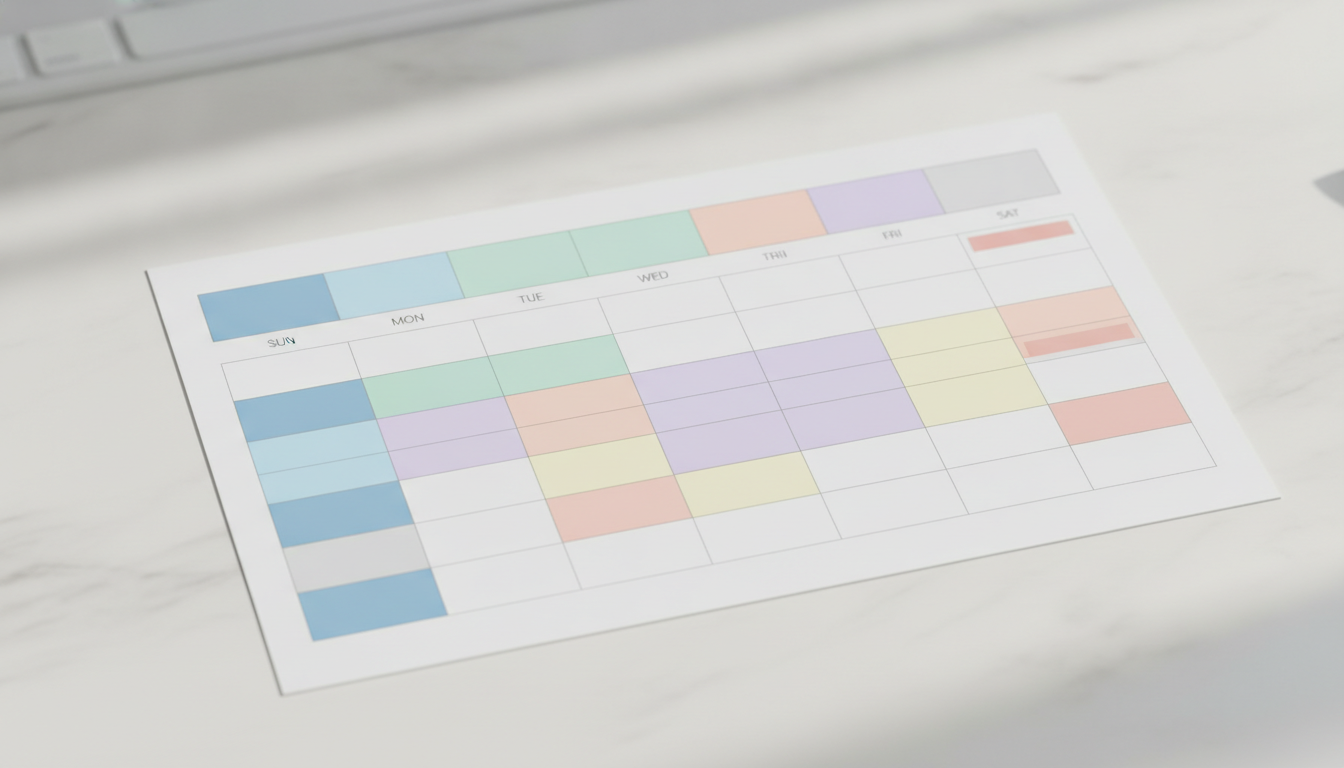
Six columns is enough. More than that and you'll stop filling it in by week three. Here's the structure, with a real week for Bloom & Petal, a fictional Jaipur boutique that sells block-print kurtis and stoles.
| Date | Platform | Content Pillar | Caption / Hook | Asset Status | Post Time |
|---|---|---|---|---|---|
| Mon, 3 Aug | Instagram Feed | Product | "New in: hand block-print kurtis, ₹1,299. Sizes S–XXL." | Ready | 11:00 AM |
| Tue, 4 Aug | Instagram Reel | Behind-the-scenes | "Watch our tailor hand-stitch a stole in 60 seconds" | Filming today | 7:00 PM |
| Wed, 5 Aug | Instagram Story | Customer | Repost a customer's try-on video, tag her | Waiting on customer | 1:00 PM |
| Thu, 6 Aug | Instagram Feed | Promo | "Weekend sale: buy 2 kurtis, get 10% off. Ends Sunday." | Ready | 11:00 AM |
| Fri, 7 Aug | Instagram Reel | Product | "3 ways to style one kurti for work, brunch, and a wedding" | Script done, needs filming | 7:00 PM |
| Sat, 8 Aug | Instagram Story | Festival/Seasonal | Rakhi gifting countdown, 3 days left | Ready | 10:00 AM |
| Sun, 9 Aug | Instagram Feed | Behind-the-scenes | "A Sunday at the Bloom & Petal workshop" carousel | Needs photos | 12:00 PM |
That's one full week. Duplicate the block seven more times and you have two months.
What each column actually does
- Date: the exact posting date, not "sometime this week." Vague dates are why calendars die.
- Platform: name the format, not just the app. "Instagram Reel" and "Instagram Story" need different assets and different lengths, so treat them as separate rows.
- Content Pillar: which bucket this post belongs to (see the rotation below). This is what stops your feed from becoming all sale posts, all the time.
- Caption / Hook: write the actual opening line now, while you have the idea, not later when you've forgotten why it was funny.
- Asset Status: Ready, Needs filming, Needs photos, Waiting on customer. One glance tells you what's blocking tomorrow's post.
- Post Time: pick a consistent slot per platform and stick to it. Consistency matters more than finding the "perfect" hour.
The Content Pillar Rotation Framework
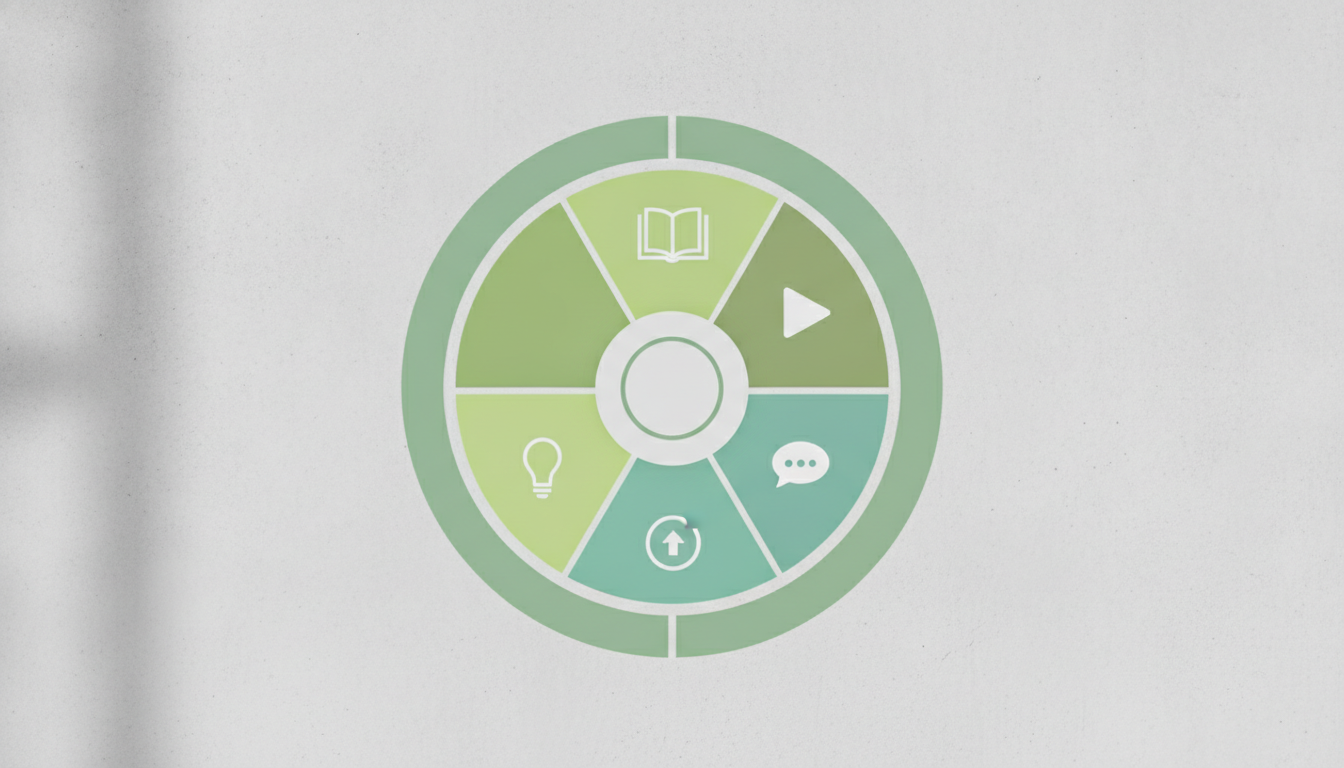
A calendar without pillars turns into whatever you feel like posting that day, which usually means either silence or five promo posts in a row. Pillars fix that by giving every slot a job before you sit down to write it.
A workable five-pillar rotation for a small Indian business:
- Product: what you sell, shown plainly. New arrivals, restocks, close-up shots of fabric or detailing.
- Behind-the-scenes (BTS): the studio, the stitching, the packing table, the owner. This is the content people actually screenshot and share, because it's the one thing competitors can't copy.
- Customer: reviews, try-on reposts, tagged photos, a WhatsApp message screenshot (with permission). Social proof does more for trust than another product shot.
- Promo: sales, discounts, bundle offers, limited stock alerts. Keep this to roughly 1 in 5 posts.
- Festival / Seasonal: Rakhi, Diwali, wedding season, back-to-school. India's calendar gives you a reason to post almost every month without inventing one.
Industry guidance on content pillars generally lands in a similar place: Sprout Social recommends 3–5 recurring pillars so a brand's content stays varied but still recognisable, and a commonly cited ratio across social strategy guides is roughly 80% value or connection content (product, BTS, customer) against 20% direct promotion. Translate that to a 7-post week and you land close to the Bloom & Petal example above: two product posts, two BTS, one customer, one promo, one seasonal.
You don't need to follow the ratio exactly. The point of naming pillars is that you notice when a week is 100% promo, and you fix it before it happens, not after followers start muting you.
How to Fill Your Own Calendar in 20 Minutes

Block one sitting per week, ideally Sunday evening or Monday morning, and work through the table in this order:
- List your fixed dates first. Sales, festivals, launches, restock days. These are non-negotiable and go in before anything else. If Bloom & Petal knows Rakhi is coming on 9 August, that Story slot gets written before anything else on the sheet.
- Assign a pillar to every remaining slot. Don't write captions yet, just decide: product, BTS, customer, or promo. This step alone takes five minutes and stops the "what do I post today" scramble.
- Write the hook line for each row. One sentence. If you can't write it in under a minute, the idea isn't clear enough yet, pick a simpler one. A hook like "New in: hand block-print kurtis, ₹1,299" works because it leads with the thing a customer actually wants to know, not a vague "check out our latest collection."
- Mark Asset Status honestly. If a Reel needs filming and you have no time this week, swap that slot for a photo post instead of leaving it blank. A calendar with three "Needs filming" rows on a Thursday is a calendar that quietly fails by Friday.
- Lock post times per platform and repeat them. A Bangalore salon we've seen do this well posts Reels at 7pm daily and Stories at lunchtime, same slots every single day, so followers half-expect it. Picking a time isn't about chasing an "optimal" algorithm hour, it's about training your own habit as much as your audience's.
That's the whole system. The template above is the artifact, this is just the 20 minutes it takes to fill it. Once you've done it twice, most weeks take closer to 10 minutes because you're reusing last week's pillar pattern and just swapping in new products, photos, and dates.
Adjusting the rotation for a salon instead of a boutique
The same six columns work for a Bangalore salon, only the pillars fill differently. Product becomes "service" (a fresh haircut result, a bridal makeup trial), BTS becomes the salon floor and staff, Customer becomes before/after transformations, and Promo becomes "book this weekend, 2 slots left." The structure doesn't change between a fashion brand and a service business, only what goes in each cell.
Common Calendar Mistakes That Break the Rotation
- Planning content but not assets. A calendar full of captions and no photos is a calendar that gets skipped the week you're busy. The Asset Status column exists to catch this before Thursday, not after you've already missed the post.
- Copying a US template's pillar mix wrong. A calendar built around Black Friday and Christmas has no answer for Rakhi, Navratri, or wedding season, which is when Indian boutiques and salons actually see spikes in interest. Swap the seasonal pillar's examples for the festivals your actual customers care about, and build the calendar around India's retail calendar, not a template written for a different market.
- All promo, no BTS. A feed that only sells looks like an ad account. The BTS and customer pillars are what make people follow you between purchases, and they're usually the cheapest content to produce since they don't need a full photoshoot.
- No owner for the sheet. If it's not one person's job to fill this in weekly, it stops after two weeks. Assign it, even if that person is you, and put a recurring reminder on the same day every week until it's a habit rather than a task.
- Treating every platform the same. A caption written for Instagram Feed rarely works pasted straight into a WhatsApp Status or a Facebook post. Keep the core message but shorten it for Stories and WhatsApp, where people scroll faster and read less.
Frequently Asked Questions
How many social media posts should a small business make per week? Five to seven posts a week across Feed, Reels, and Stories is a realistic starting point for a boutique or salon with one person managing content. Fewer than three a week makes it hard for the algorithm or your followers to notice a pattern.
What's the difference between a content calendar and a content plan? A content plan is the strategy: your pillars, your ratio, your goals for the month. A content calendar is the execution: specific dates, specific captions, specific assets, exactly like the table above. You need both, but the calendar is what you actually use daily.
Can I use this template for Instagram, Facebook, and WhatsApp Business together? Yes. Add a row per platform per date rather than trying to cram all three into one cell. A product post might go to Instagram Feed and WhatsApp Status the same day with a slightly shorter caption for WhatsApp.
How far in advance should I plan my calendar? One to two weeks of buffer is enough for most small businesses. Planning a full quarter sounds ideal but usually falls apart the first time a sale gets moved or a shipment is late. Plan close enough to stay flexible.
What if I don't have new product photos every week? Rotate in BTS and customer pillars on weeks when product content is thin. A short video of your workspace or a repost of a happy customer fills the slot just as well as a new product shot, and often performs better.
Your Next Post Starts Today
A calendar only works once it has this week's dates in it, not someday's. Copy the six-column structure above into a sheet, fill in your next seven days using the pillar rotation, and post the first one today.
If filling that Asset Status column is the part that always stalls you, that's exactly the gap Scalio closes. Upload one product photo and brand context, and Scalio generates model-wearing photos and Reels in minutes, plus a built-in social content calendar so you're not rebuilding this table from scratch every week. It replaces a ₹10,000–50,000/month agency for ₹999/month. Try Scalio free and fill next week's calendar in one sitting.
For more on building out your posting cadence, see our guides on how to create a social media calendar and Instagram content ideas for small businesses, or explore Scalio's AI social media calendar tool directly.